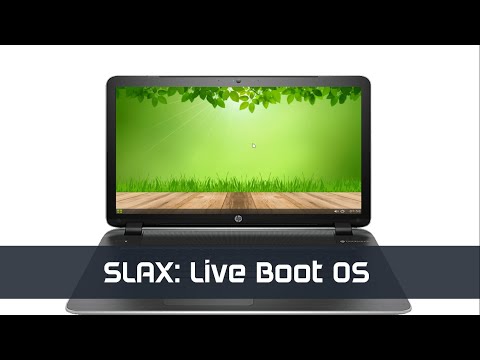
Slax is a Live bootable Operating based on Debian Linux, that runs from external media without any need for permanent installation. In spite of all this, it is small in size and also Slax provides nice graphical user interface and a wide selection of pre-installed programs, such as a Web browser, Terminal, and more.
Pre-requisite:
- RAM: 128 MB of RAM for desktop/ 512 MB of RAM to run a Web browser
- CPU: i686/AMD
- 32-bit & 64-bit
- Flash Drive(Pendrive)
- ISO image of Slax
- Rufus
Create a LiveBoot Pendrive
Before plugging and playing with Slax it is important to follow a few steps:
1. Plug your Pendrive and Run Rufus.
2. click Select and choose the Download iso file from the directory.

3. Set Persistent Partition Size to 4 GB at least.

4. Now click start to start the process.

Plug & Play Slax
1. Now plug in your USB Pendrive and open Bios. Note: Every system has its own Bios key.

2. It will take time to boot Slax OS.

3. Now Slax interface will look like this:

With the usage of Slax Live bootable OS, you can do the advanced-level hacking trick.



